

Framer Framemap Plugin: Generate Complete Responsive Website Layouts in Seconds
Creating a website usually starts with planning page structures, building wireframes, organizing navigation, and designing layouts for multiple screen sizes. These steps can take hours or even days before the actual design work begins.
The Framer Framemap Plugin changes that process completely.
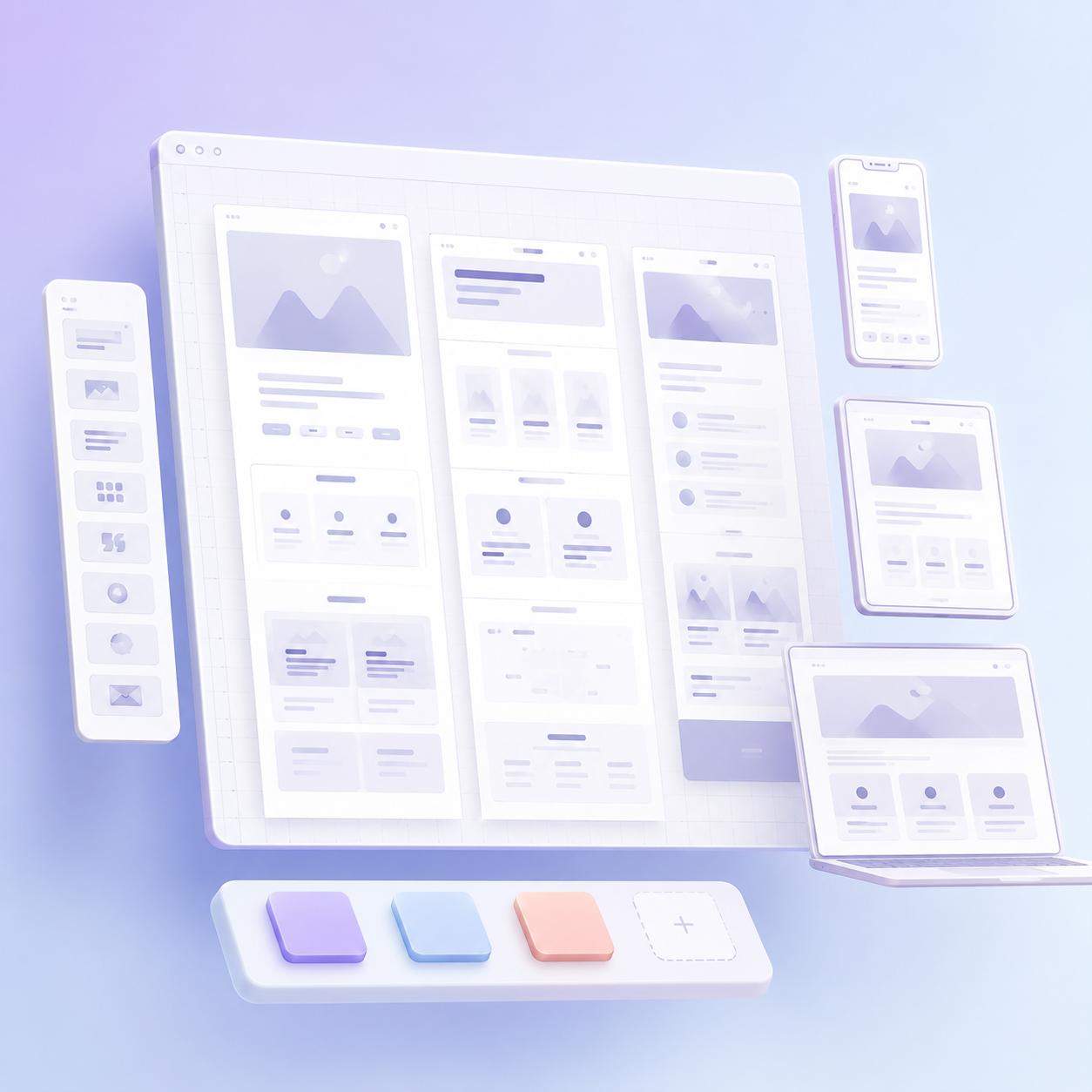
Instead of manually creating sitemaps and wireframes, Framemap allows you to describe your project in a few sentences, list the pages you need, and instantly generate a complete responsive website structure directly inside Framer. Powered by Claude AI, the plugin creates editable frames for desktop, tablet, and mobile layouts, helping designers move from concept to execution faster than ever.
What Is the Framer Framemap Plugin?
Framemap is an AI-powered Framer plugin designed to accelerate website planning and wireframing.
Rather than starting with a blank canvas, users simply provide:
- A short description of the project
- The website’s purpose
- The pages they want included
The plugin then automatically generates:
- A complete sitemap
- Desktop page layouts
- Tablet-responsive layouts
- Mobile-responsive layouts
- Editable Framer frames
Everything is placed directly onto your Framer canvas, ready for customization.
This eliminates repetitive setup work and allows designers to focus on creativity and user experience.
How Framemap Works
The workflow is surprisingly simple.
Step 1: Describe Your Project
Enter a brief explanation of your website.
For example:
“Create a SaaS website for a project management platform. Include Home, Features, Pricing, About, Blog, and Contact pages.”
Step 2: Define the Pages
List the pages you want to include in the project.
Examples:
- Home
- Services
- About
- Blog
- Contact
- Pricing
Step 3: Generate the Sitemap
Framemap uses Claude AI to analyze the requirements and build a logical website structure.
Step 4: Create Responsive Layouts
The plugin automatically generates:
- Desktop layouts
- Tablet layouts
- Mobile layouts
Each page is organized and connected according to the generated sitemap.
Step 5: Customize Inside Framer
All generated layouts remain fully editable.
Designers can:
- Modify sections
- Adjust content
- Add animations
- Connect CMS collections
- Refine branding elements
without rebuilding the structure from scratch.
Key Features of Framemap
1. Complete Sitemap Generation
One of Framemap’s most powerful capabilities is automatic sitemap creation.
Instead of planning website architecture manually, the plugin generates page structures based on your project goals.
This helps designers:
- Organize content logically
- Reduce planning time
- Improve website flow
- Create consistent user journeys
2. 23 Built-In Section Types
Framemap includes a large library of section patterns that can be automatically selected and arranged by AI.
Available section types include:
- Hero Sections
- Feature Blocks
- Bento Grids
- Pricing Tables
- Testimonials
- FAQ Sections
- Call-to-Action Areas
- Team Sections
- Blog Layouts
- Galleries
- Contact Sections
- And many more
Because the AI chooses sections according to the project type, generated layouts feel relevant rather than random.
3. Multi-Breakpoint Responsive Generation
Responsive design is often one of the most time-consuming aspects of web design.
Framemap solves this problem by automatically generating every page at three breakpoints:
- Mobile (390px)
- Tablet (834px)
- Desktop (1440px)
This means designers don’t need to create separate responsive wireframes manually.
Every page arrives ready for responsive refinement.
4. Industry-Specific Style Presets
Different industries require different website structures.
Framemap includes specialized presets such as:
SaaS
Optimized for:
- Product showcases
- Feature explanations
- Pricing comparisons
- Customer testimonials
Agency
Designed for:
- Service pages
- Portfolio displays
- Team introductions
- Lead generation
E-commerce
Built around:
- Product displays
- Collections
- Shopping experiences
- Conversion-focused layouts
Minimal
Focused on:
- Clean interfaces
- Content-first experiences
- Simplicity
- Modern design aesthetics
These presets help the AI choose more appropriate sections and page structures.
5. Drag-and-Drop Section Reordering
Before sending layouts to the Framer canvas, users can preview generated sections and reorganize them.
Benefits include:
- Faster iteration
- Better content flow
- Improved client presentations
- Reduced editing time
This allows designers to refine structure before moving into detailed design work.
6. Convert to Editable Frames
Unlike static wireframe exports, Framemap generates layouts that can become fully editable Framer elements.
The “Convert to Editable Frames” feature transforms generated wireframes into selectable design components.
Users can then:
- Resize elements
- Change colors
- Update layouts
- Modify content
- Customize interactions
This bridges the gap between wireframing and actual website design.
Bring Your Own Anthropic API Key
Framemap runs on Claude AI.
Instead of bundling AI costs into the plugin, users provide their own Anthropic API key from:
console.anthropic.com
This approach offers several advantages:
Better Cost Control
You pay only for your actual AI usage.
Privacy
API keys are stored locally in your browser and are not sent to Framemap servers.
Transparency
Costs are billed directly through Anthropic rather than through hidden subscription markups.
For most projects, generation costs are extremely low and typically amount to only a fraction of a cent per layout.
Benefits for Web Designers
Save Hours of Manual Setup
Instead of creating page structures one by one, designers can generate an entire project framework within seconds.
Improve Productivity
The plugin removes repetitive tasks, allowing designers to focus on:
- Visual design
- Branding
- User experience
- Conversion optimization
Speed Up Client Projects
Freelancers and agencies can produce initial website structures quickly, helping clients visualize projects sooner.
Reduce Planning Bottlenecks
Teams often spend excessive time discussing site architecture.
Framemap provides an instant starting point that can be refined collaboratively.
Benefits for Agencies
Digital agencies handling multiple website projects can gain substantial efficiency improvements.
Agencies can use Framemap to:
- Create project blueprints faster
- Present early concepts to clients
- Build responsive foundations quickly
- Accelerate design delivery timelines
This enables teams to handle more projects without sacrificing quality.
Why Responsive Layout Generation Matters
In 2026, users access websites from a wide variety of devices.
A website that looks great on desktop but performs poorly on mobile can negatively impact:
- User experience
- Engagement
- Conversion rates
- Search visibility
Framemap addresses this challenge by generating layouts for multiple screen sizes automatically.
Designers can begin with responsive foundations rather than retrofitting responsiveness later.
Who Should Use Framemap?
Framemap is ideal for:
Framer Designers
Professionals building websites inside Framer can dramatically accelerate project setup.
Freelancers
Independent designers can reduce project turnaround times and impress clients with rapid prototypes.
Digital Agencies
Agencies can standardize their planning process and improve team efficiency.
Startup Founders
Founders without extensive design experience can quickly visualize website structures before hiring developers.
Product Teams
Teams creating landing pages, marketing sites, and SaaS websites can rapidly test ideas and concepts.
Common Mistakes to Avoid
Providing Vague Project Descriptions
The quality of generated outputs depends on the information provided.
Be specific about:
- Business type
- Website goals
- Target audience
- Required pages
Generating Too Few Pages
Think carefully about future content needs and include all important pages during generation.
Skipping Manual Refinement
AI-generated layouts provide an excellent starting point, but customization is still necessary to align with branding and business objectives.
Ignoring User Flow
Review the generated sitemap to ensure visitors can navigate the website logically.
Framemap vs Traditional Website Planning
| Traditional Process | Framemap Process |
|---|---|
| Create sitemap manually | AI generates sitemap instantly |
| Build wireframes page by page | Generates multiple pages automatically |
| Design responsive versions separately | Creates desktop, tablet, and mobile layouts together |
| Hours of setup work | Minutes of setup work |
| Repetitive planning tasks | Automated workflow |
The difference in speed can be substantial, especially for larger projects.
The Future of AI-Powered Web Design
AI is transforming how websites are planned and designed.
Tools like Framemap demonstrate how artificial intelligence can automate repetitive tasks while allowing designers to focus on strategic and creative decisions.
As Framer continues evolving, plugins that accelerate workflows and improve productivity will become increasingly valuable for designers, agencies, and businesses alike.
Conclusion
The Framer Framemap Plugin is one of the fastest ways to transform a website idea into a structured, responsive design framework inside Framer.
By combining AI-powered sitemap generation with automatic desktop, tablet, and mobile layouts, Framemap dramatically reduces project setup time and helps designers move directly into the creative phase of development.
Whether you’re a freelancer, agency, startup founder, or professional web designer, Framemap provides a smarter way to plan, structure, and launch websites faster.
Frequently Asked Questions
What is the Framer Framemap Plugin?
Framemap is an AI-powered Framer plugin that generates complete website sitemaps and responsive page layouts from a simple project description.
Does Framemap create responsive layouts?
Yes. The plugin automatically generates desktop, tablet, and mobile versions of every page.
How does Framemap generate websites?
It uses Claude AI to analyze your project description and page requirements, then creates a structured sitemap and responsive layouts inside Framer.
Are the generated layouts editable?
Yes. Every generated page appears as an editable Framer frame that can be customized to match your design requirements.
Who benefits most from Framemap?
Web designers, freelancers, digital agencies, startup founders, and product teams can all benefit from the speed and efficiency Framemap provides.
Can Framemap replace web design?
No. Framemap accelerates planning and layout creation, but designers still customize branding, content, interactions, and user experience elements.
Finally, we suggest checking out The Reca Blog for more insightful articles.